These are security recommendations.
Database Password
Set a database password. It encrypts the database on your device and prevents loss of funds if your device or wallet file is stolen.
See Database
Pin Lock
Set a PIN or Fingerprint biometrics on the device (if supported). With "Pin Lock" on, Zkool asks to authenticate when it opens and when it resumes after more than 30 seconds in the background.
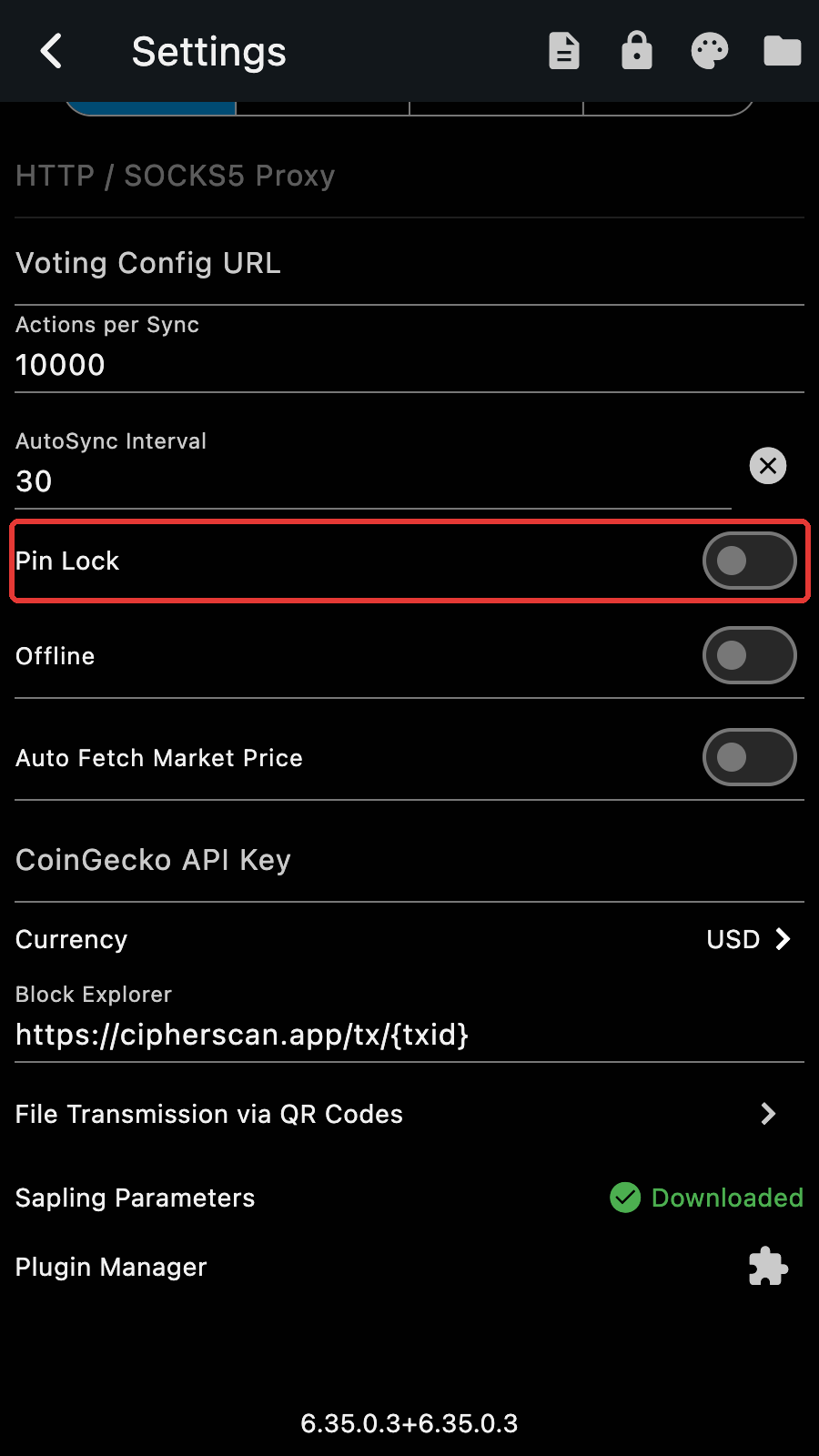
The PIN is set in the device Operating System. Zkool does not have a PIN code. On Windows, a password is not an acceptable authentication method. You must use a PIN, face lock, fingerprint or hardware token.
Tips
The "lock" button on the app bar of the Settings page locks Zkool at once.
Account File Password
Make a backup of your accounts, they include the synchronization data. Also make a backup of the seed phrase. They are portable and can be used to restore the account in Zkool or a different wallet application (provided they support the features used by the seed phrase[1]).
See Account File
For instance, if an account index or password/passphrase was used. ↩︎