Account
An account does not sync automatically but others do.
It may be disabled. Edit the account properties and reenable it.
An account disappeared from the list
It may be from a different database. Check that you are using the right one. It could be in a different folder: select the folder, or "No Folder", in the Folders page. It could also be hidden. Choose "Show All" in the menu of the account manager.
No Synchronization
Synchronization does not start
- The Autosynchronization (autosync) checks the block height every ~15 seconds. You may just need to wait a bit longer.
- Autosync starts when at least one account is behind by a number of blocks greater than the autosync interval.
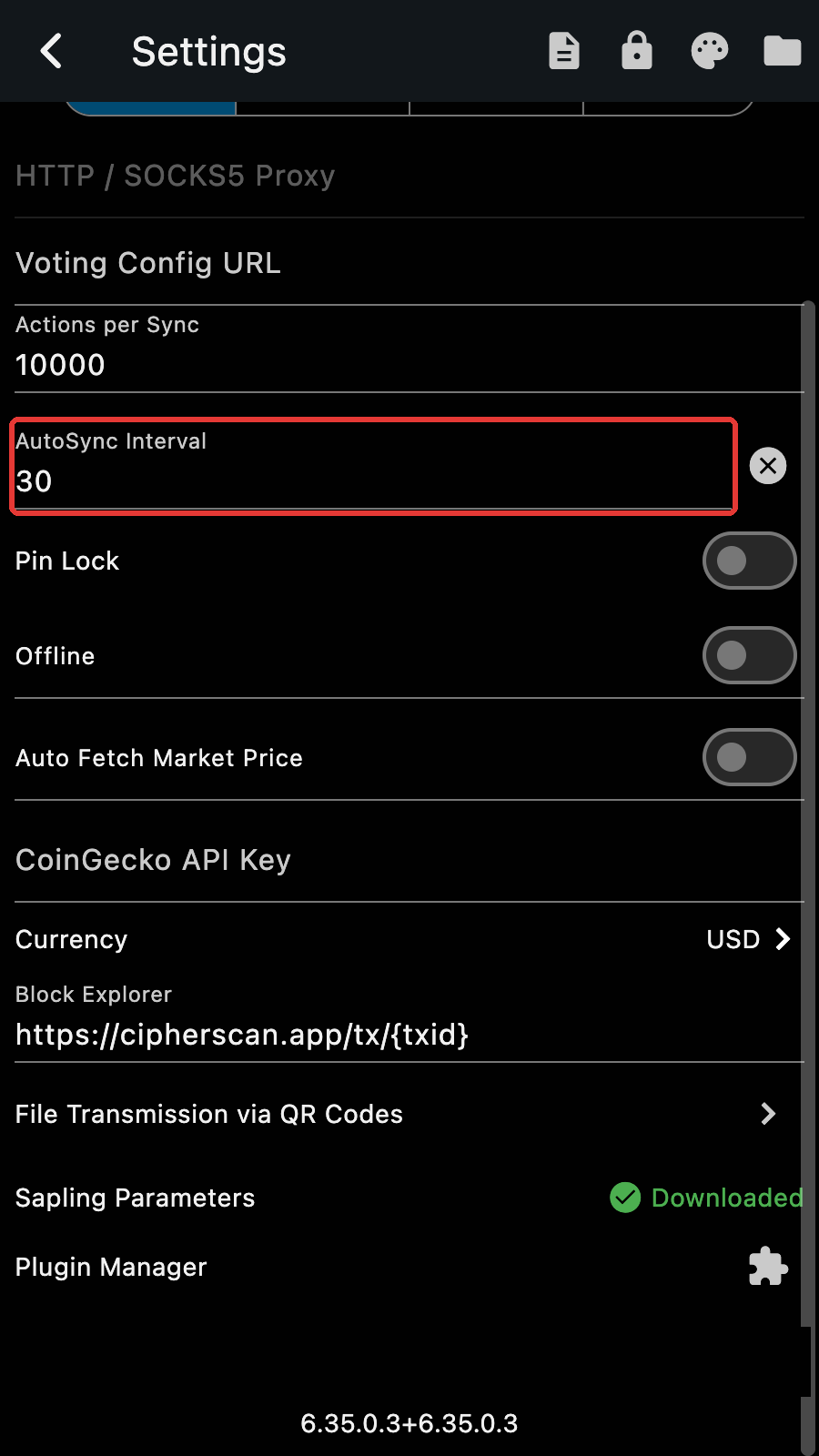
This is so the app saves on bandwidth. The interval can be set to a lower value to sync more often. When set to 0, autosync is disabled.
- When you have multiple accounts, you will see that autosync starts with them and progressively include more accounts. For example, if A is synchronized to height 2m and B to 2.5m, sync starts with A between 2 and 2.5m. Then after 2.5m, both A and B are processed concurrently.
You can manually start a sync by tapping the sync button. On the account list page, the sync button triggers the sync of every account enabled (or of the selected accounts, if any). You can disable and reenable account by editing the account properties.
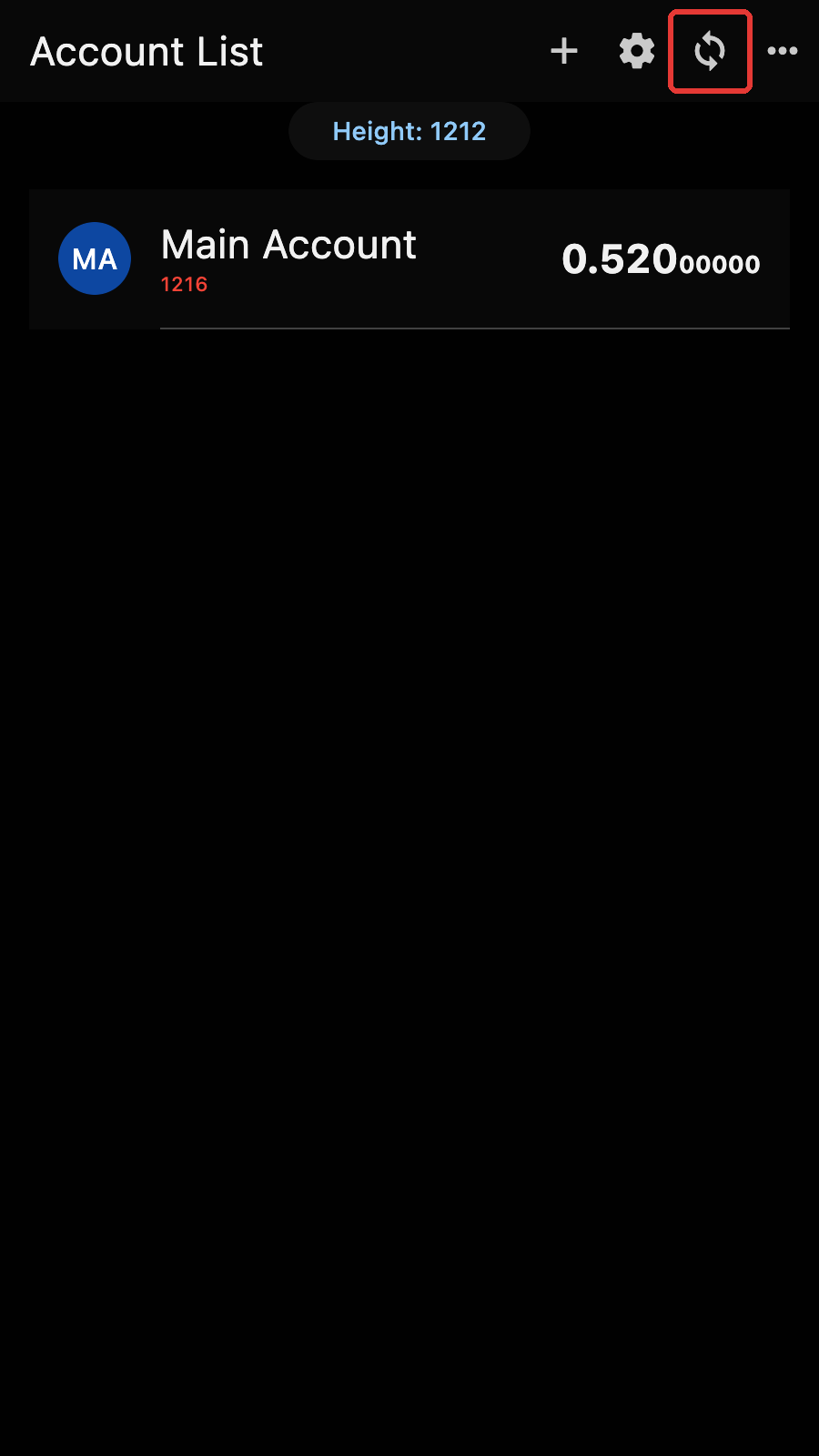
You can also sync a single account by tapping the sync button on the account page.
No Funds / Incorrect Balance
If you see no funds at all it is likely caused by an incorrect key
Seed phrases have a "checksum" and use specific words from a list. If you mispell a word, it will be invalid. Unfortunately, there is no error correction. The app knows there is an error somewhere but cannot help you correct the mistake. Make sure you write down the seed phrase exactly as shown.
The address index could be wrong.
If you are sure you have the right seed phrase but still see no funds, it may be because you do not have the right account index. Account indices start at 0. If your original wallet had multiple accounts, it could have used an index different than 0.
Tips
ZECWallet Lite uses account indices when you generate additional shielded addresses.
Accounts that have the same address have the same key (and therefore the same balance). However accounts that have different addresses may also have the same key (using different diversified addresses or different receivers of the UA). If your address in Zkool differs from the one in your original wallet app, it may stil work.
Your account may not be synchronized.
Manually Synchronize if the account height is behind.
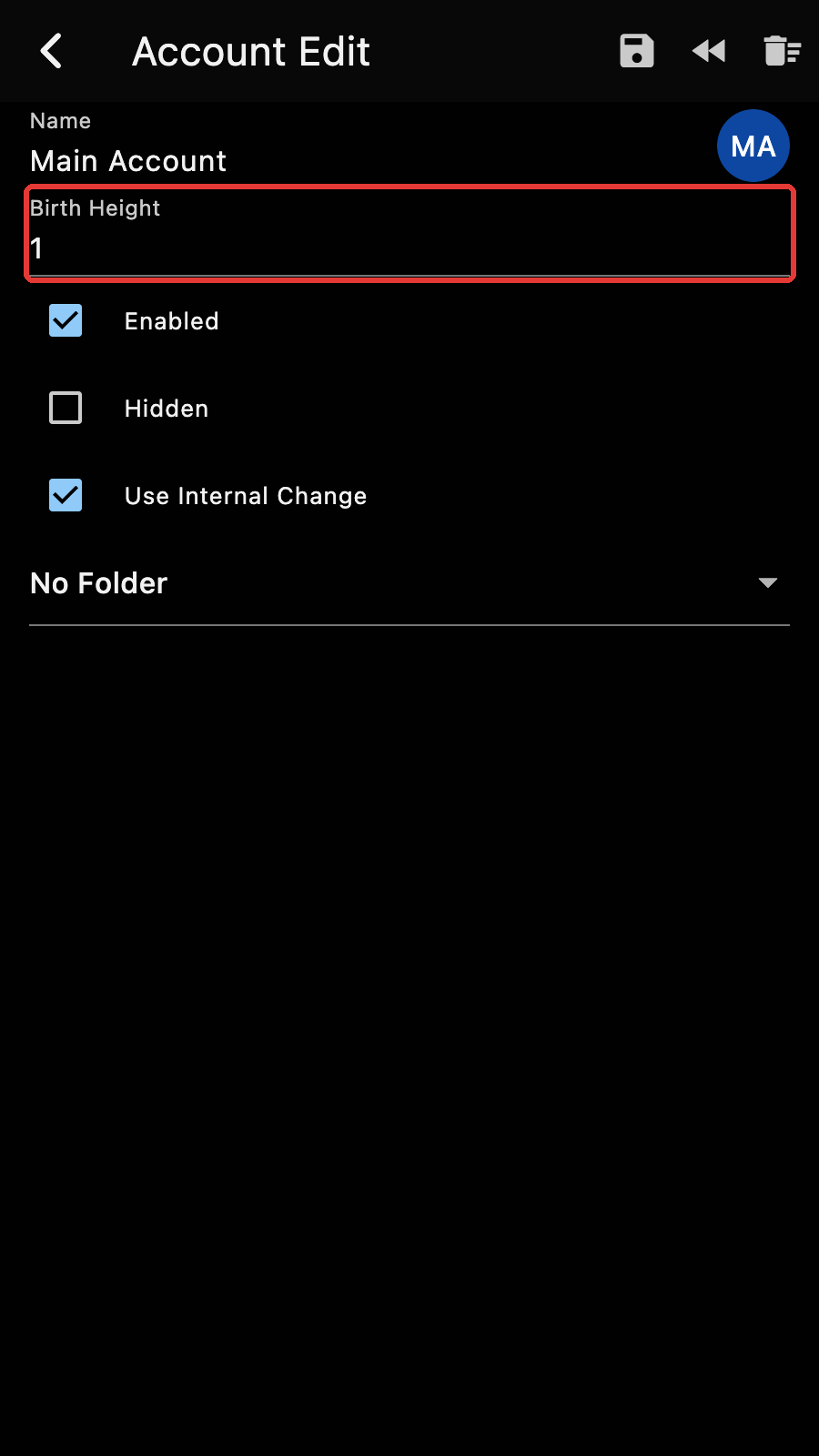
Your account birth height may be too high.
Zkool starts scanning block from the birth height. If it is too high, it will miss the transactions that happened earlier. To solve it, edit the account birth height and save. Zkool resets the synchronization data and you resync.
You may have transparent addresses that are not known by the app.
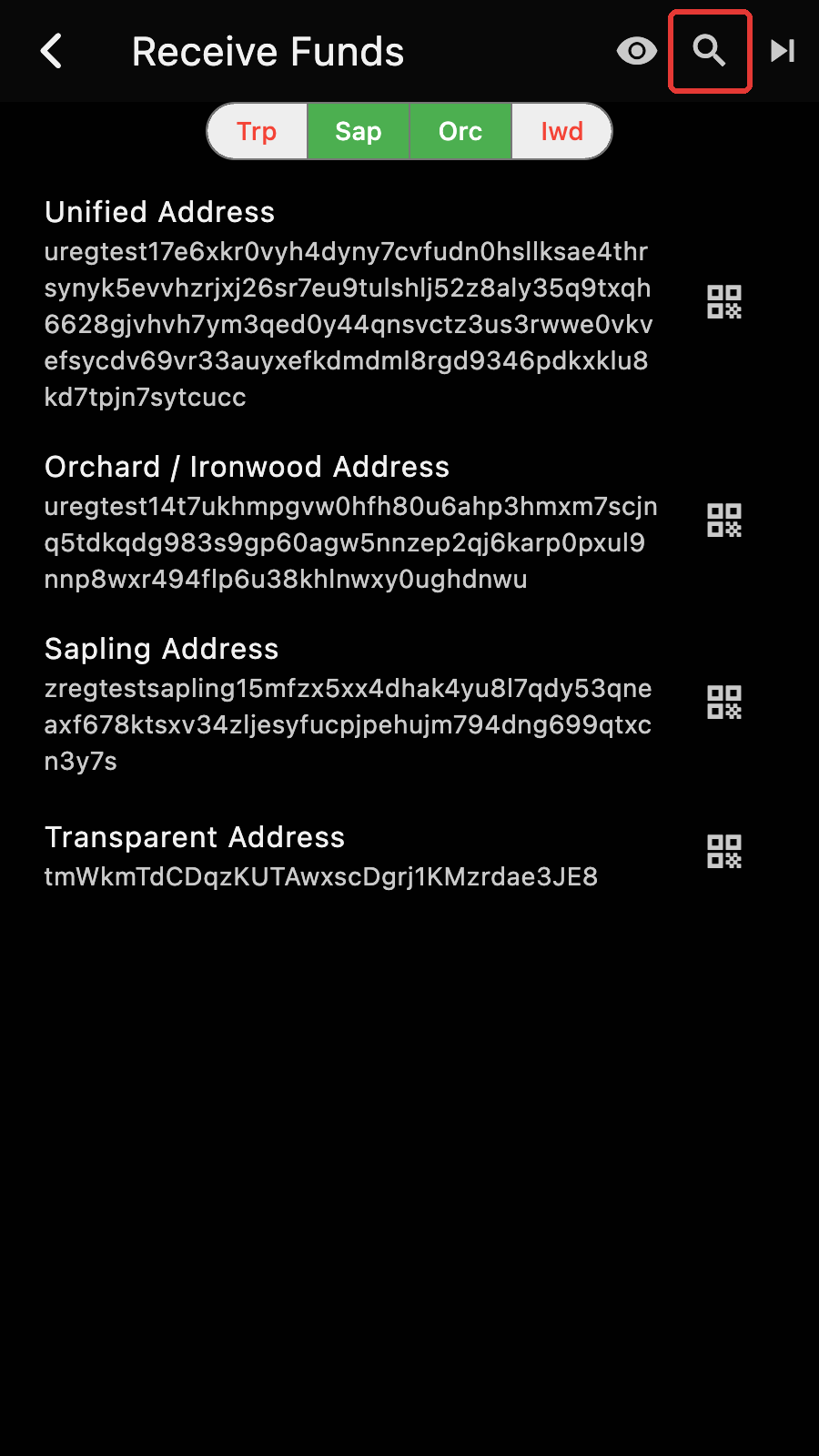
If you restore from a seed phrase a wallet that uses address rotation, it would have generated additional transparent addresses. In this case, you need to scan for these transparent addresses too. On the receive page, tap the "search" button. Zkool asks for the gap limit: the number of consecutive unused addresses after which it stops. Tap "Run" and wait for the scan to finish. Then go to the account edit page to reset the synchronization data and resync.
Tips
Scanning takes a while. Please wait until the message says it is completed. You can inspect which transparent addresses are known by tapping on the "eye" icon.
Double Spend
When I send the transaction, the server reports that a note has been used.
This is likely because Zkool was not synchronized to the latest block and thought some of the notes were unused. Zkool does not mark notes as spent until it sees them used in a block. In particular, making a tx does not mark the notes as spent until it is mined.
How do I make multiple tx in a row? After the first one, the server reports a double spend.
The easiest way is to batch the payments into a single transaction. You'd pay less and it'd be faster. Note that it also links the payments since they are likely made by the same person. If your tx involves transparent inputs/outputs it could be an issue.
If you don't want to wait or do a multi recipient transaction, you can manually lock the notes in the note tab. That's rather tedious.
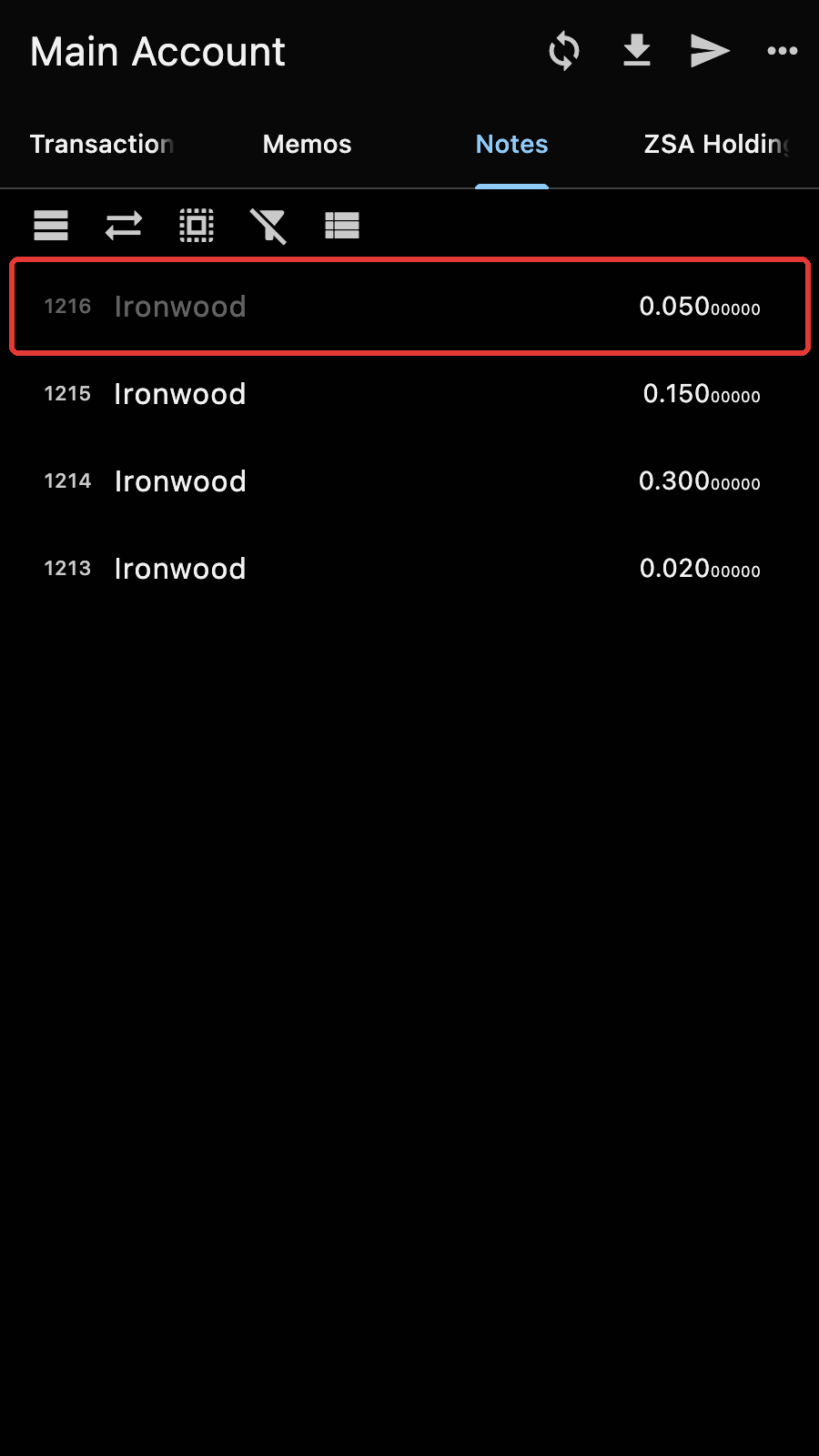
Notes in gray are locked. Tap to toggle on and off.
Duplicate Tx
A variant of the double spend is when the server reports that it has seen an identical transaction. It could be because you have accidentally submitted it twice. Just ignore the error.
Transaction not mined
A transaction was sent successfully and you have a tx id but it is not mined after a long time like 10 minutes. When you look at the mempool on a block explorer, you notice that your transaction is not there.
Your transaction is somehow incorrect but not properly rejected by the server node. It is an issue with the server consensus so there is nothing much you can do at the wallet level besides retrying. If the same thing happens again, try using another server running a different node software.
Bad Anchor
When you prepare the transaction, Zkool returns an error related to a "bad anchor".
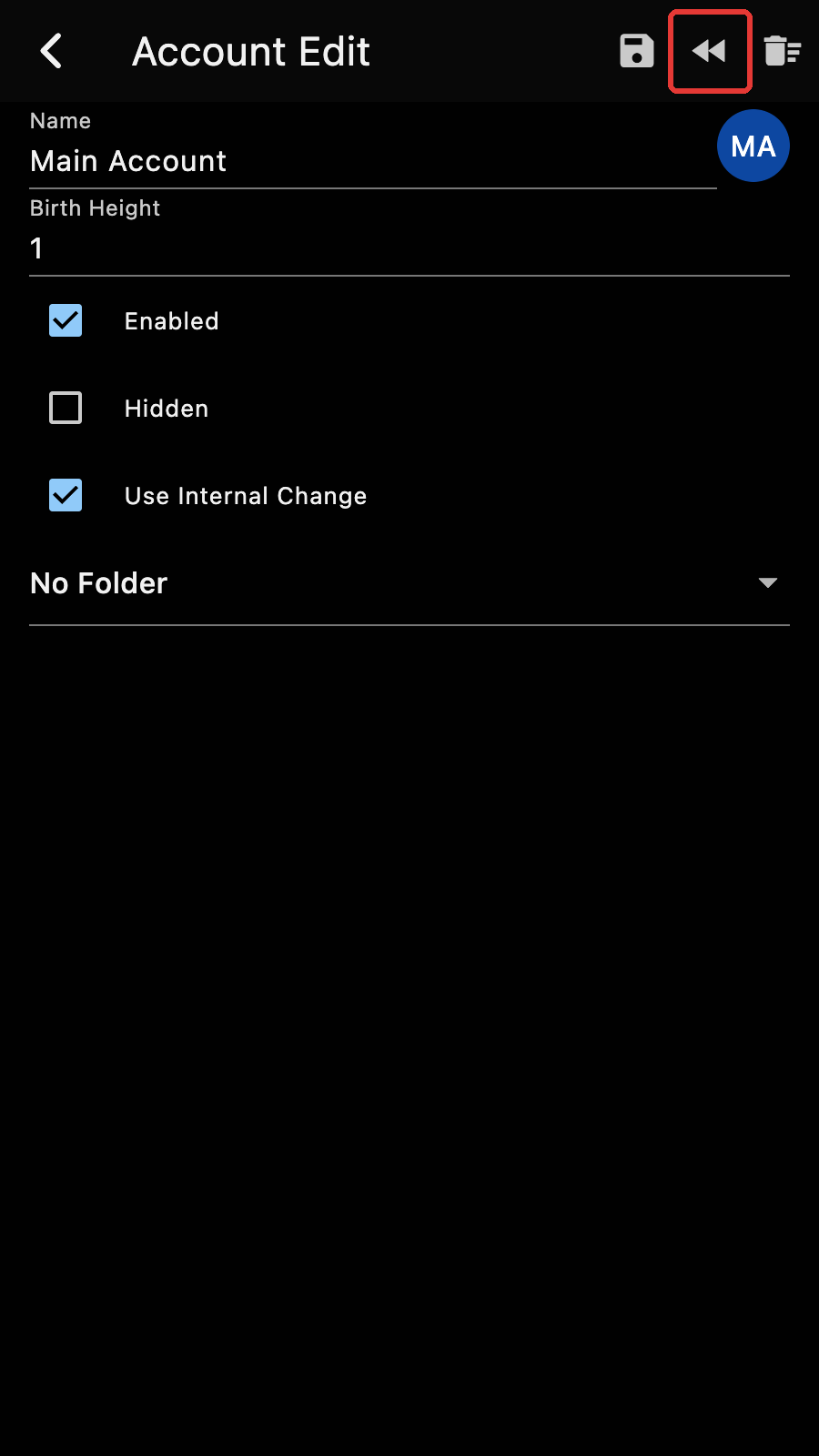
This is also probably related to an issue at the server where in case of a block reorganization, it returns the older fork. Unfortunately, the bug hasn't been identified because of its rarity but it seems to affect all wallet software. Fortunately, you can fix the issue by rewinding the account to an earlier checkpoint in the Edit page.
Too Slow
Between block 1.7m and 2.1m, there has been a spike in the number of transactions that filled up every block. It represents close to a 100x increase in data to process. Consequently, synchronization will slow down significantly during that range.
If your wallet was created after block 2.2m, I highly encourage you to provide a birth height. You do not want to be processing the "spam" blocks if you can avoid it.
You could try tweaking the setting "Actions Per Sync". It is the size of the batch of blocks that we process concurrently before writing a checkpoint to the database. A high number requires more memory and checkpoints spaced farther apart, but can improve the synchronization process on powerful computers.