Receiving Funds
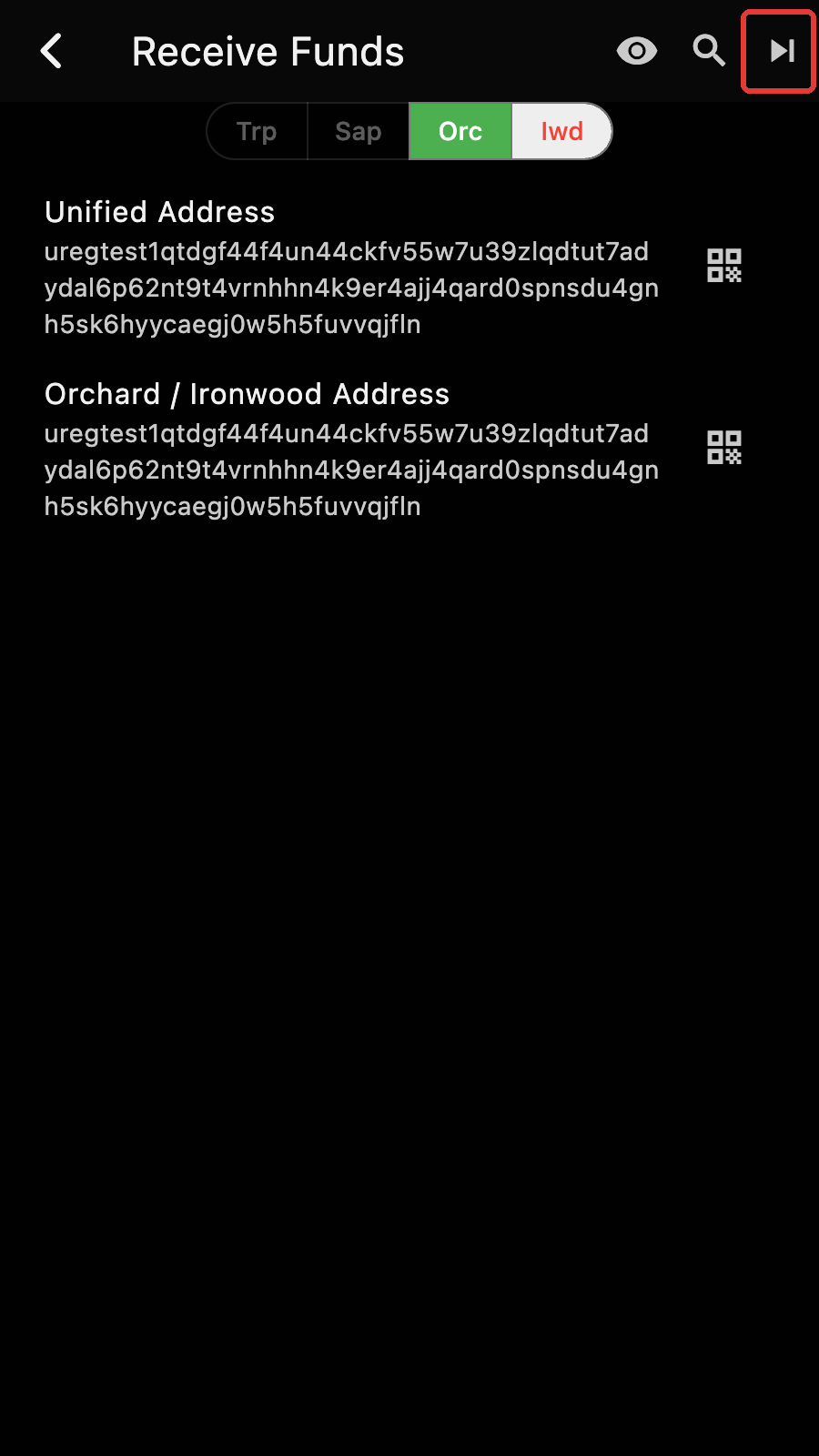
The MultiSig Account works like a standard account for receiving funds. The address is on the "Receive Funds" page. You can get more addresses[1] by tapping on the "next" button.
Requirements
Like with DKG, you need to have a funding account to pay for the transaction fees of the FROST SIGN protocol. You should to have ~0.01 ZEC in it.
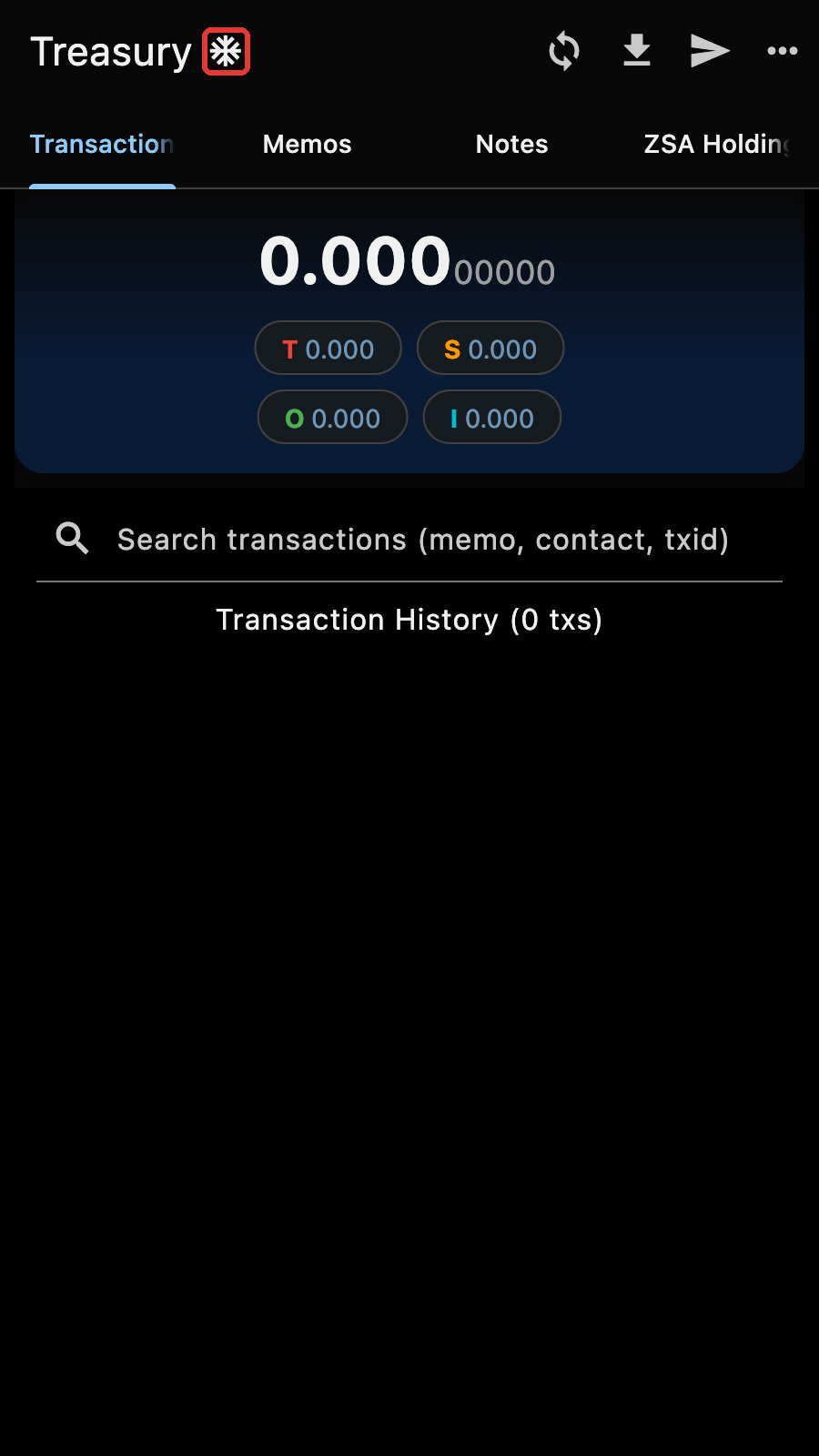
The snowflake icon next to the account name marks the MultiSig Account.
Roles
Spending from the MultiSig Account takes a number of participants equal to the signature threshold defined at the creation of the account: the M in "M out of N". In our example, we need two signers out of Alice, Bob and Charlie.
Every signing session has two roles:
- The coordinator proposes the transaction, sends the unsigned transaction file to the other signers, collects their signature shares, assembles the transaction and broadcasts it. The coordinator is one of the signers: their own share counts.
- The other signers receive the file, check it, and sign it. They do not need to talk to each other, only to the coordinator through the chain.
The participants must agree on who coordinates before they start: every signer enters the coordinator's ID in the signing form, and the session cannot complete if they do not match.
Since this is a 2 out 3 MultiSig Account, Alice coordinates and needs one other signer, say Bob. Charlie does nothing.
Coordinator: Starting a payment
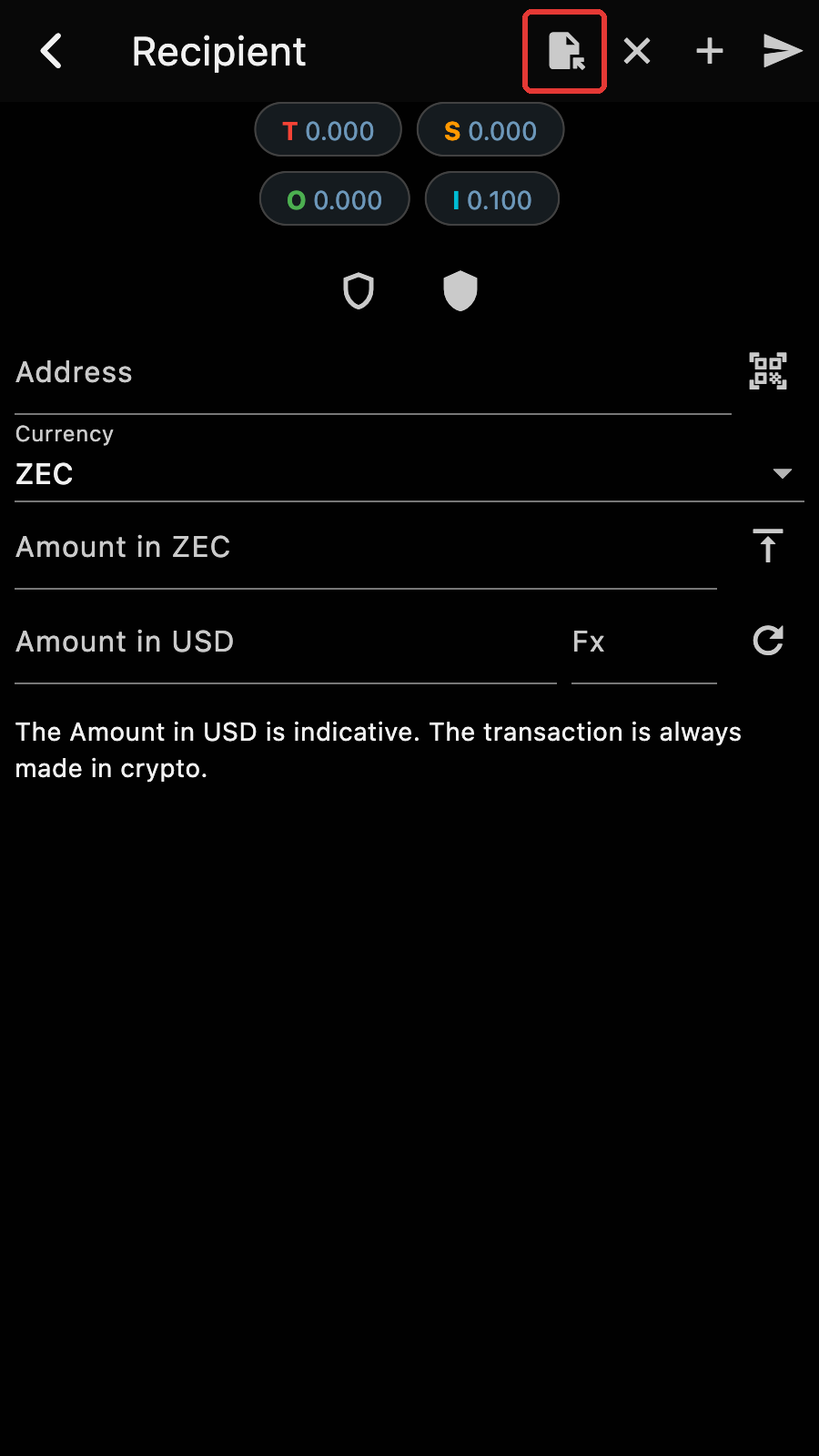
Spending from the MultiSig Account begins like a standard payment, with the specification of the recipients with addresses and memos. A multisig transaction can be exactly like a standard transaction: It is usually input manually or by copy pasting, but it can also have multiple recipients, use a payment URI, or be loaded from a file.
Since the MultiSig Account has no spending key, the transaction page cannot send the transaction. Its button saves the unsigned transaction to a file instead.
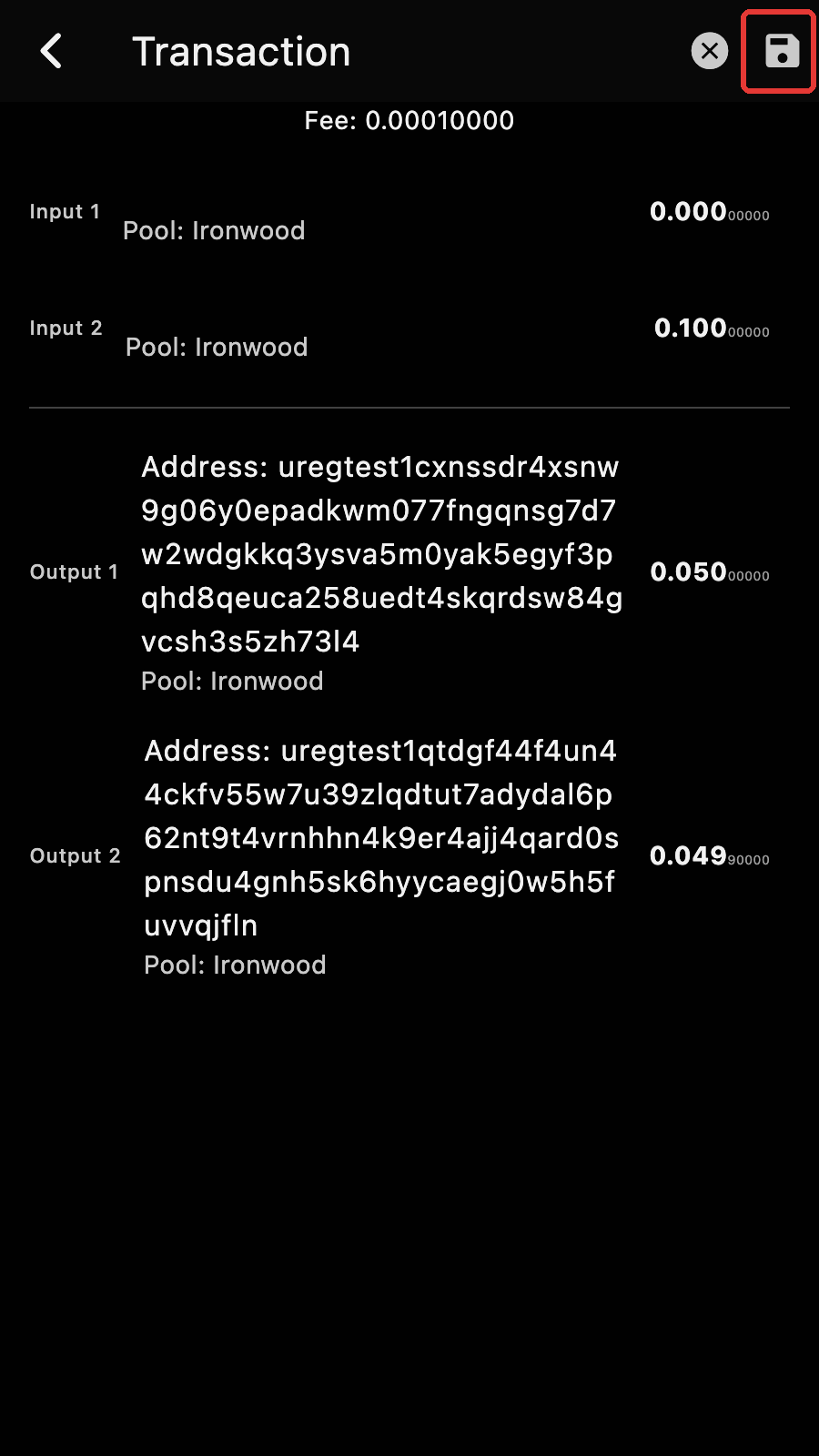
Save the transaction by tapping on the save button and choosing an output file. Send this file to the other signers. It can be done out of band, by email, by USB, by posting on the shared drive, etc. The transaction file has the details of the transaction but does not contain any signature.
Warning
The file holds no key, so nobody can spend with it. But it reveals the amount, the recipient, the memo and the group's viewing key. Send it only to the other signers, over a private channel.
Once the file is saved, Zkool offers to start the signing session as the coordinator.
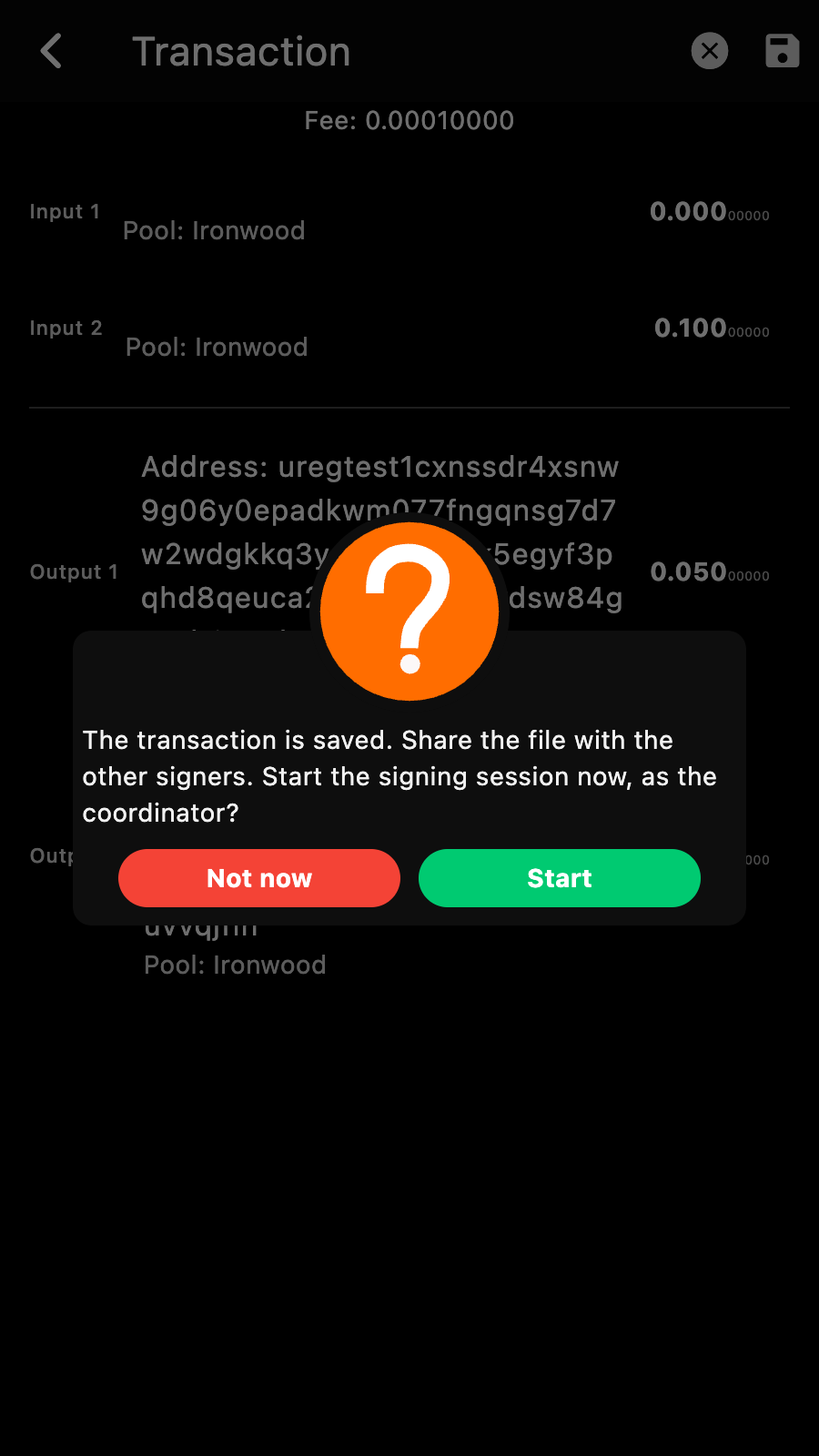
- "Start" opens the signing form with your ID as the coordinator.
- "Not now" lets you start later: load the file back like the other signers do, then pick your own ID as the coordinator.
Signer: Loading the transaction
The other signers should open the transaction file:
- Start a transaction from the MultiSig Account,
- Tap on the "Load an unsigned transaction" button and pick the transaction file.
Important
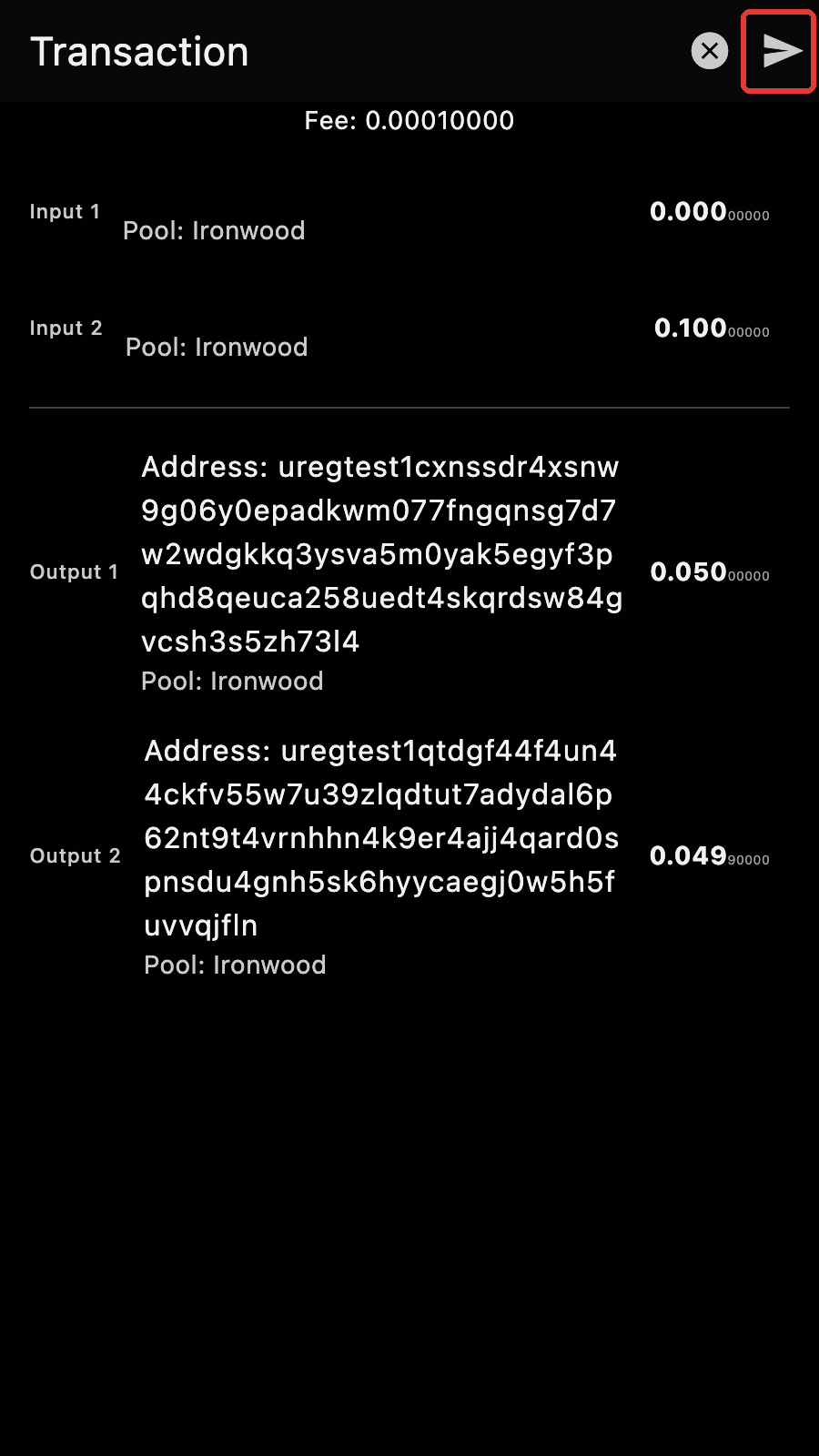
Every participant should CHECK the transaction before signing it.
You sign the transaction you load, and your signature (share) cannot be tampered. You are safe as long as you make sure to CHECK the transaction.
Then tap on the "Sign with the group and send" button to open the signing form.
Signing Form
Both roles go through the same form.
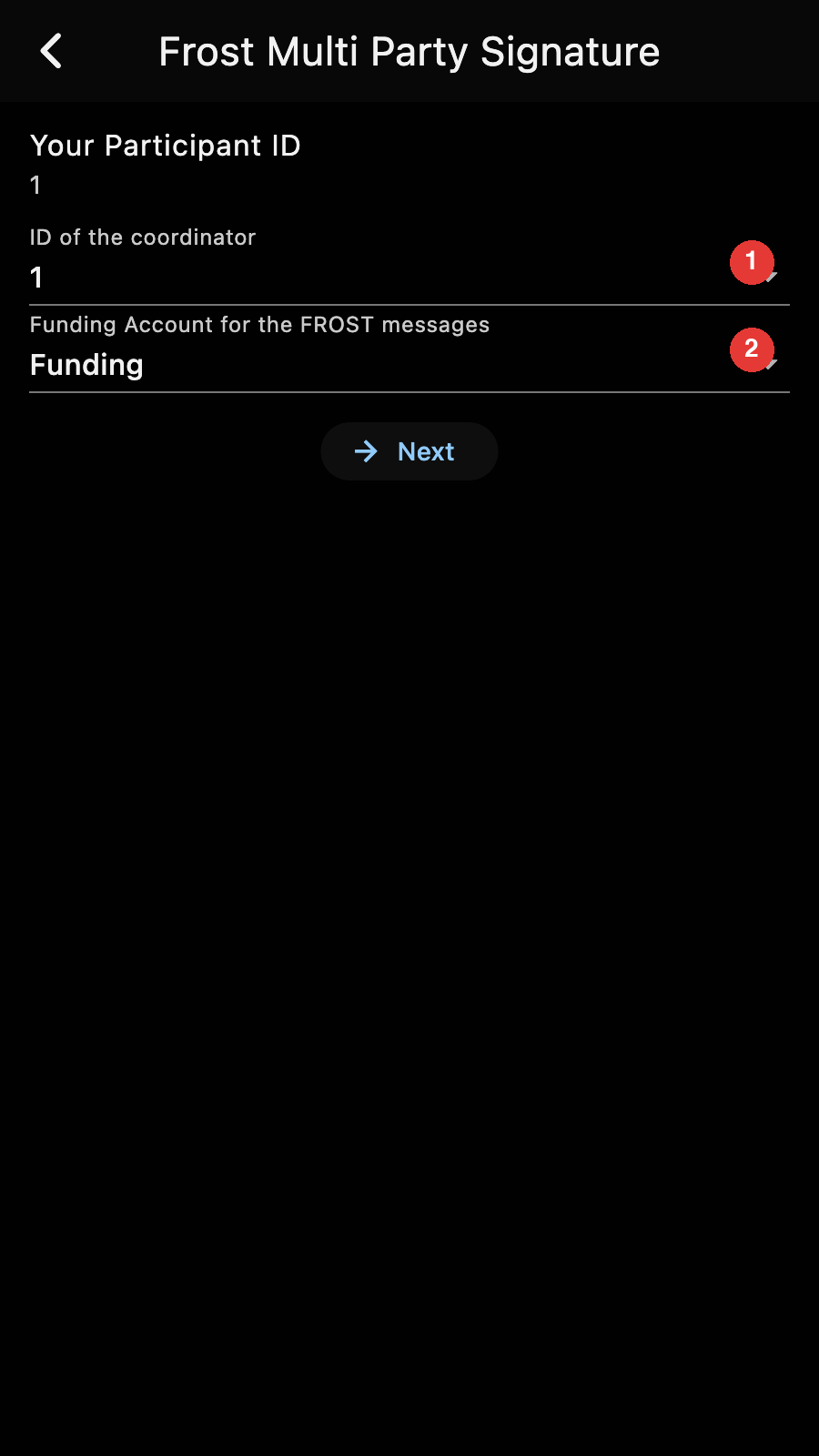
- Enter the ID of the coordinator. Every participant must enter the same coordinator ID. For the coordinator, it is their own ID.
- Select the funding account.
Tap the NEXT button to start the MPC SIGN.
The session
The steps at the top of the page show where the signing is, and the status line says what Zkool is doing or waiting for, with how many participants have answered.
Coordinator
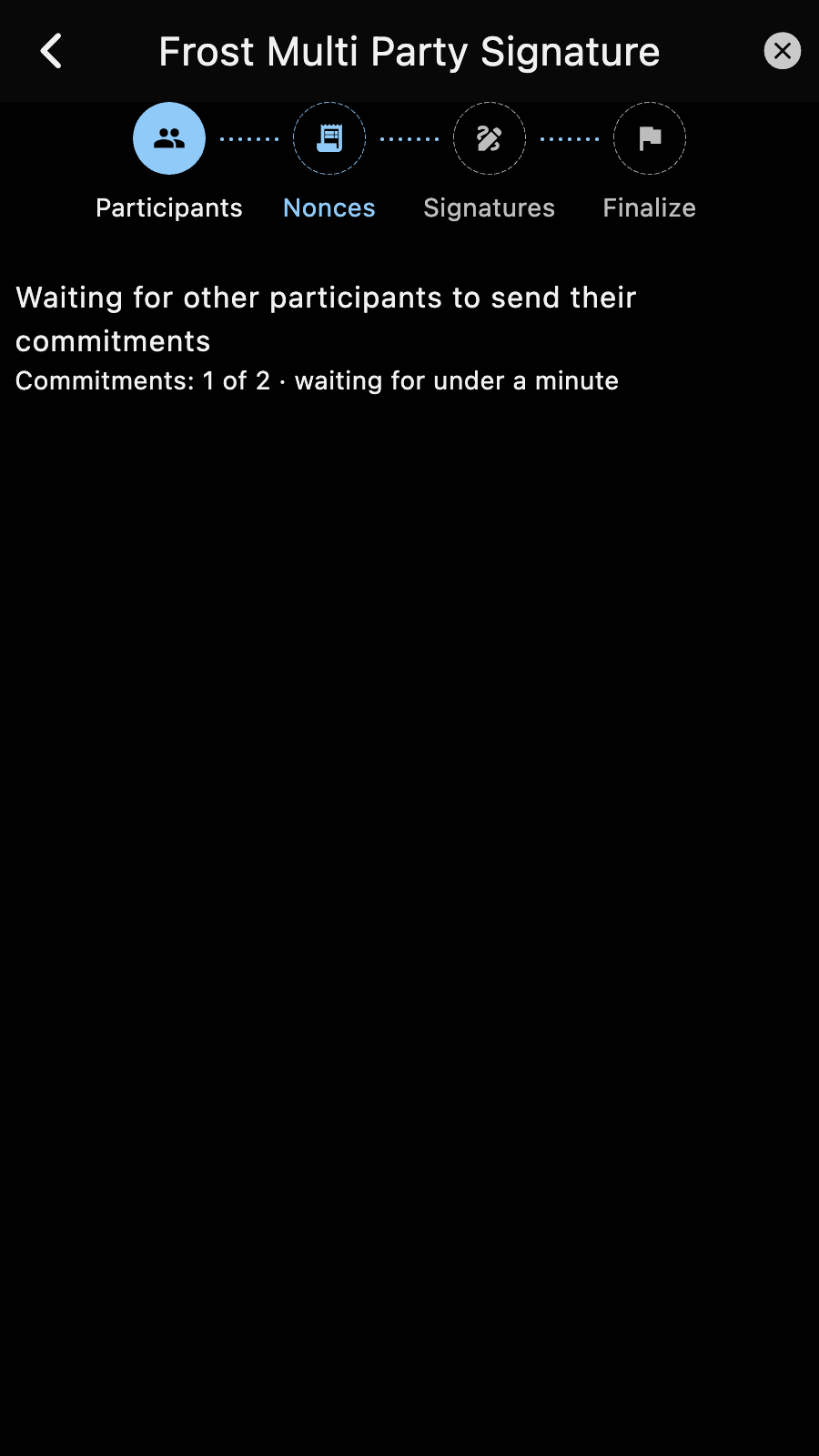
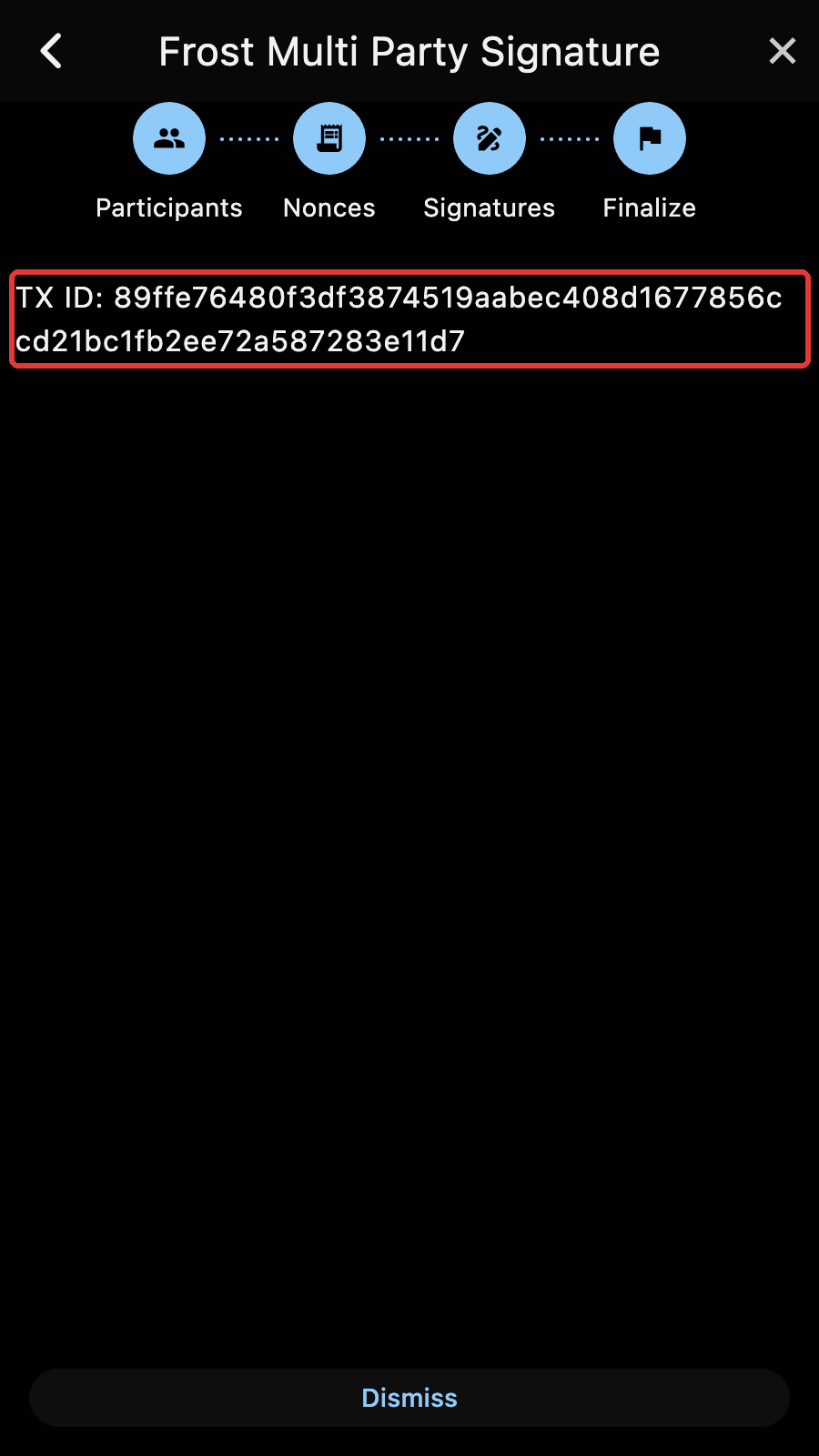
The coordinator announces its address, then waits for the commitments of the other signers. When the threshold is reached, it broadcasts the signing package, collects the signature shares, adds its own share to form the complete signature, builds the full transaction and broadcasts it to the network.
Once it finishes, a popup announces that the transaction was sent, and the page shows the transaction ID.
Signer
The signer waits for the coordinator's announcement, sends its commitments, waits for the signing package, and sends its signature share.
The session completes on a signer with the message "Signing completed". They can close the page. The coordinator sends the signed transaction once all the signature shares are received.
Finishing up
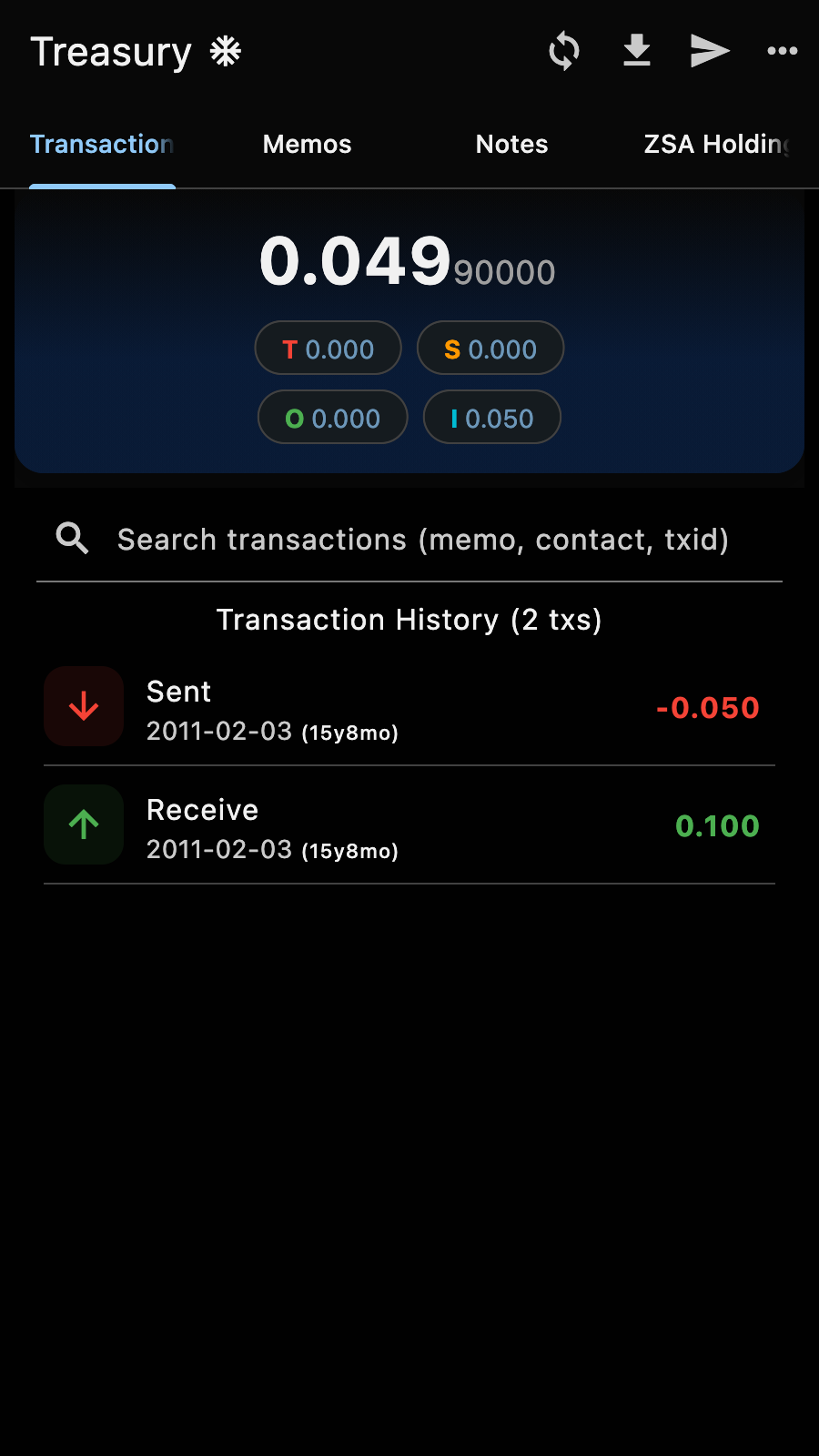
Once the transaction is mined, it will appear in the account transaction history of every participant[2].
Tips
As with DKG, the SIGN is automatic as long as Zkool is opened on the multisig page. If you close it, the "Send" button of the MultiSig Account brings you back to the session in progress.
Warning
A group transaction expires about a day after it was prepared. If the participants have not finished signing by then, the page says so: prepare a new transaction and sign it again.