Zkool Documentation
  • Guides

    • Getting Started
    • Account Manager
    • Synchronization
    • Account
    • Addresses
    • Payments
    • Other features
    • Building Zkool from source
  • Recipes

    • Edit an Account
    • Supported Key Types
    • Cold Wallet
    • Ledger
    • Troubleshooting Synchronization Issues
    • Folders
    • Database/Wallet Files
    • Using TOR
    • Security
    • Kiosk Zkool
    • Mempool
    • Payment URI
    • Locking Notes
    • Mainnet, Testnet, Regtest
    • Export to CSV
  • Categories / Reports

    • Overview
    • Examples
    • Categories
    • ZEC Price
    • Charts
  • MultiSig Accounts / FROST

    • Overview
    • Key Generation
    • Signing a Transaction
  • Zcash tech

    • Shielded Pools
    • Bitcoin Data Model
    • Transaction Graph
    • Privacy

Zkool currently has two report charts[1]. Both of them can be limited to a given time period.

Important

Due to some technical issue, charts are not available on Linux.

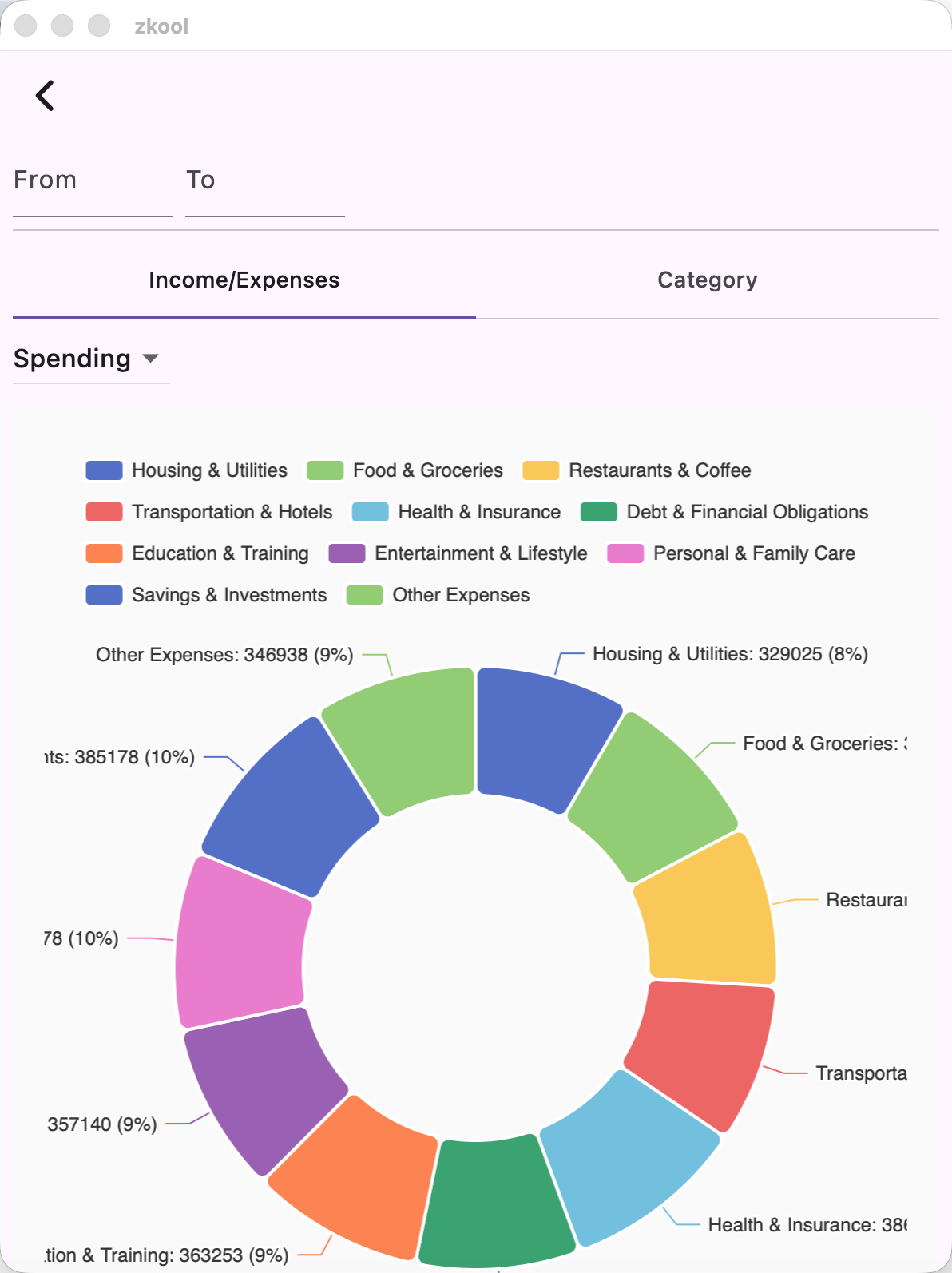
Income/Expense By Category

This is a pie chart that shows your total of income or expenses by category.

  • Switch between Income and Expenses with the dropdown.
Income
Income

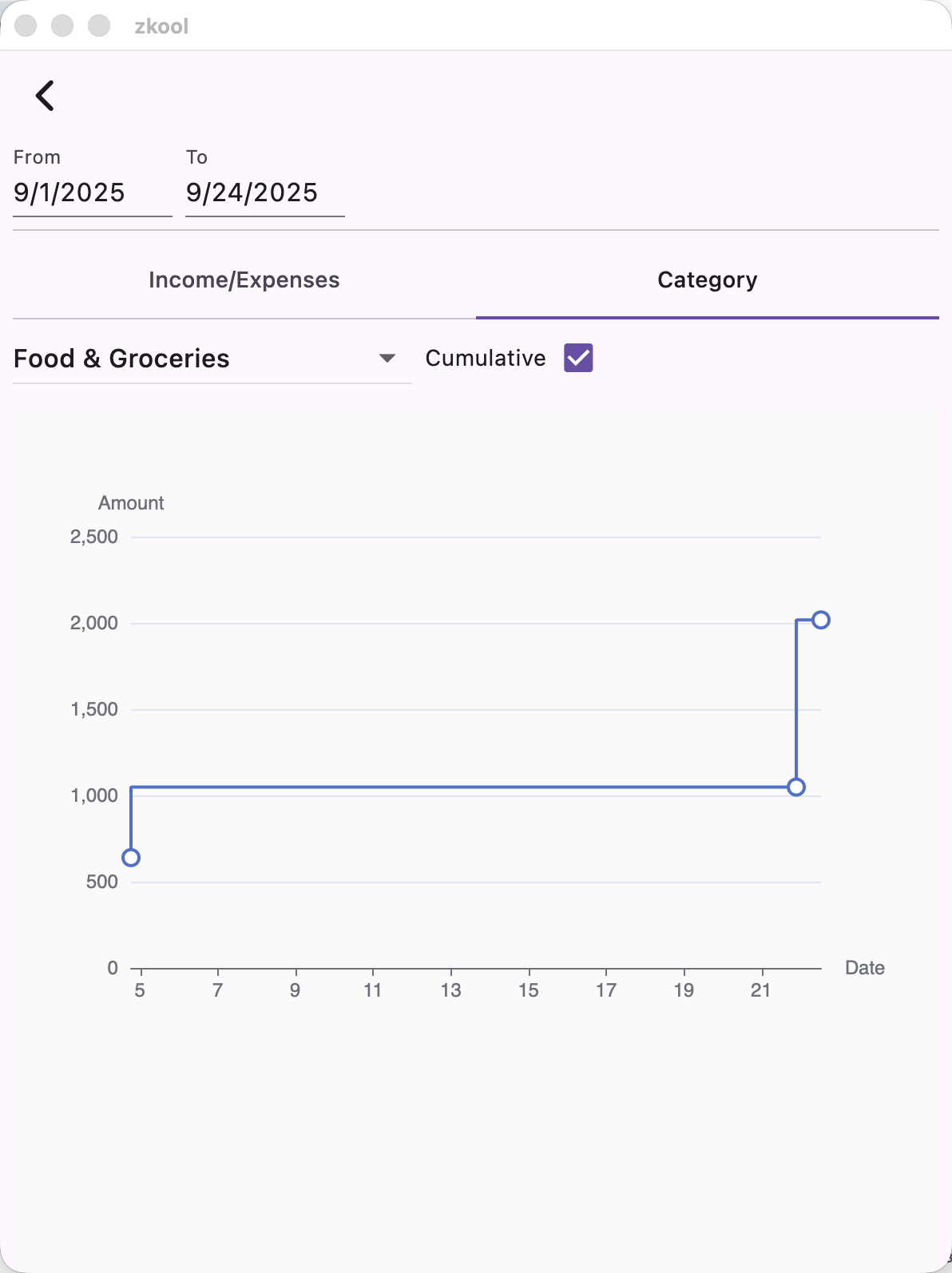
Category by Time

Given a category, this chart plots your spending (or income) on a time axis. If the cumulative box is checked, it shows how the total amount in the given category grows over time.
Category
Category

  1. More charts will be added later. ↩︎

Last Updated: 12/3/25, 12:48 AM
Contributors: Hanh Huynh Huu
Prev
ZEC Price